
A cloud phone is an Android smartphone you control over the internet, from a browser, computer or another phone. The device itself is physically located elsewhere, while you see its screen and use it as if it were your own.
Below is a brief guide to how it works, the different types of cloud phones, what people use them for, their limitations and their cost.
Do not confuse this with a “cloud phone system.” That term refers to business VoIP services: virtual numbers and internet calls. This article covers Android cloud phones.
What is a cloud phone?
A cloud phone gives you access to an Android device without buying, shipping or setting up hardware. You rent it by the hour, day or month, connect, and get a full Android environment with apps, a browser, Google Play and settings.
The main difference between services is what actually runs “in the cloud”: a virtual Android instance on a server or a real smartphone.
How does a cloud phone work?
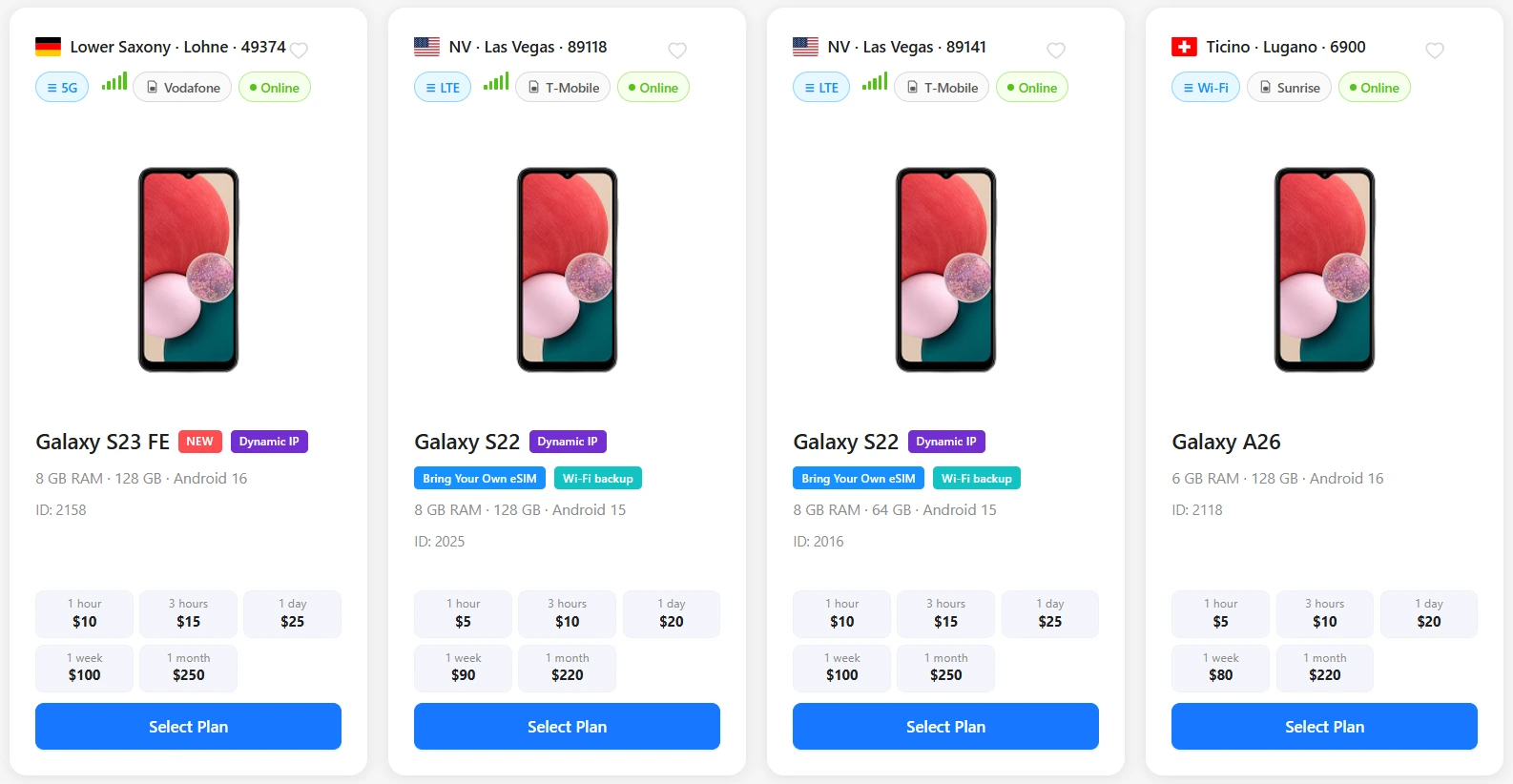
- Choose a device from the service’s catalog by model, country and internet connection type.
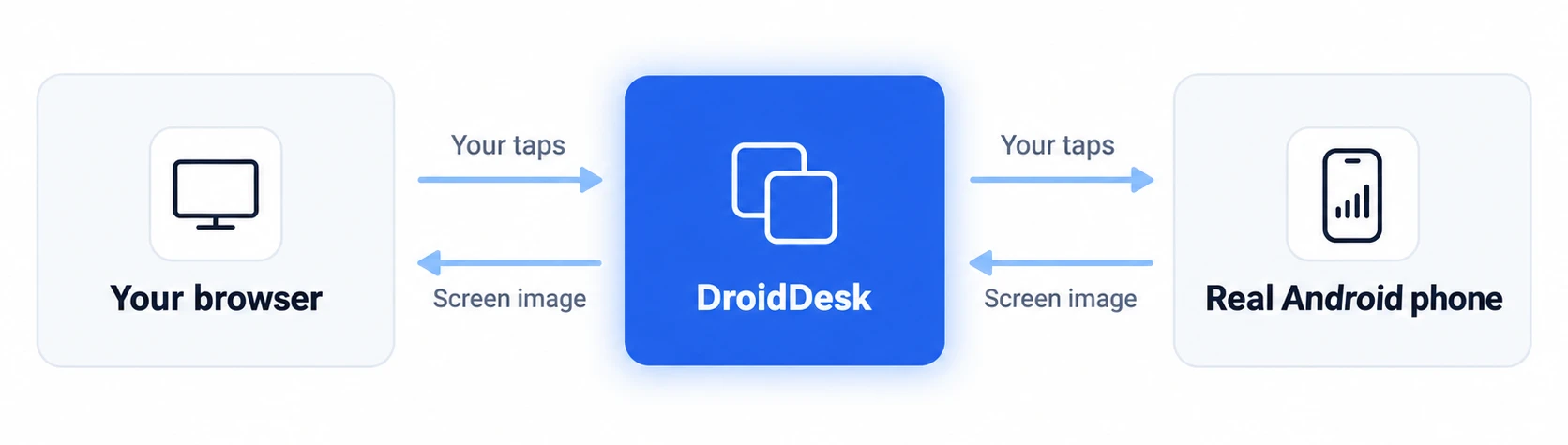
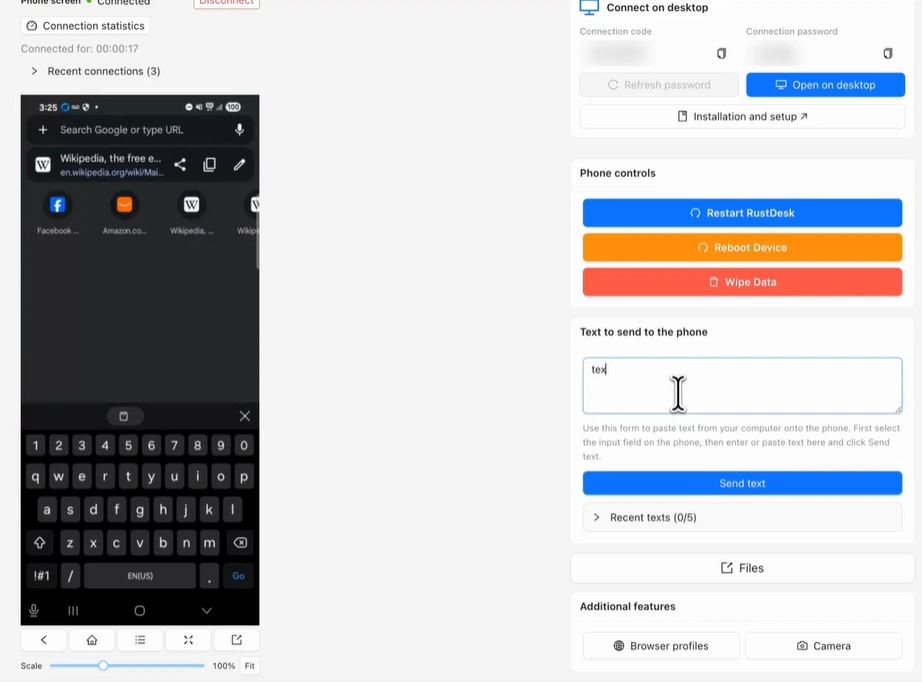
- The service streams the device’s screen to you in real time.
- Your clicks, swipes and text are sent to the device and carried out there.
- Apps run on the remote device, so they do not put a processing load on your computer.
Two types of cloud phones: virtual and real
Virtual cloud phone
This is Android running on a server in a data center. One server hosts many such “phones” at once. The model, identifiers and sensor data are defined in software. This option is cheaper and convenient when you need dozens of identical environments.
Real cloud phone
This is a physical smartphone with its own processor, sensors and battery that you access remotely. It connects to the internet through a local mobile carrier or a regular home Wi-Fi network in its country. To apps and websites, it is an ordinary phone.
This is how DroidDesk works: its catalog contains only real Samsung Galaxy smartphones hosted by owners in different countries.
| Feature | Virtual cloud phone | Real cloud phone (DroidDesk) | PC emulator |
|---|---|---|---|
| Where Android runs | Server in a data center | Physical smartphone in the listed country | Your computer |
| Hardware and sensors | Defined in software | Real processor, sensors, GPS and battery | Defined in software |
| Internet connection | Data center IP or proxy | Local mobile carrier or home Wi-Fi | Your internet connection or VPN |
| Processing load on your PC | None | None | High |
| Price | Lower | Higher | Free or inexpensive |
| When to choose it | Many identical environments, development | You need a real device in a specific country | Local development, PC gaming |
For more on how online emulators compare, see Online Android emulator vs. real device.
How a cloud phone differs from an emulator and a VPN
- An emulator such as BlueStacks or LDPlayer runs Android on your computer and uses its resources. A cloud phone runs remotely.
- A VPN changes only your IP address. Your device, system language, time zone and GPS remain your own. A real cloud phone in the country you need already has a local network connection and local surroundings.
- Some apps restrict use on emulators and virtual environments. Physical devices generally face fewer of these restrictions, although no service can guarantee that every third-party app will work.
What are cloud phones used for?
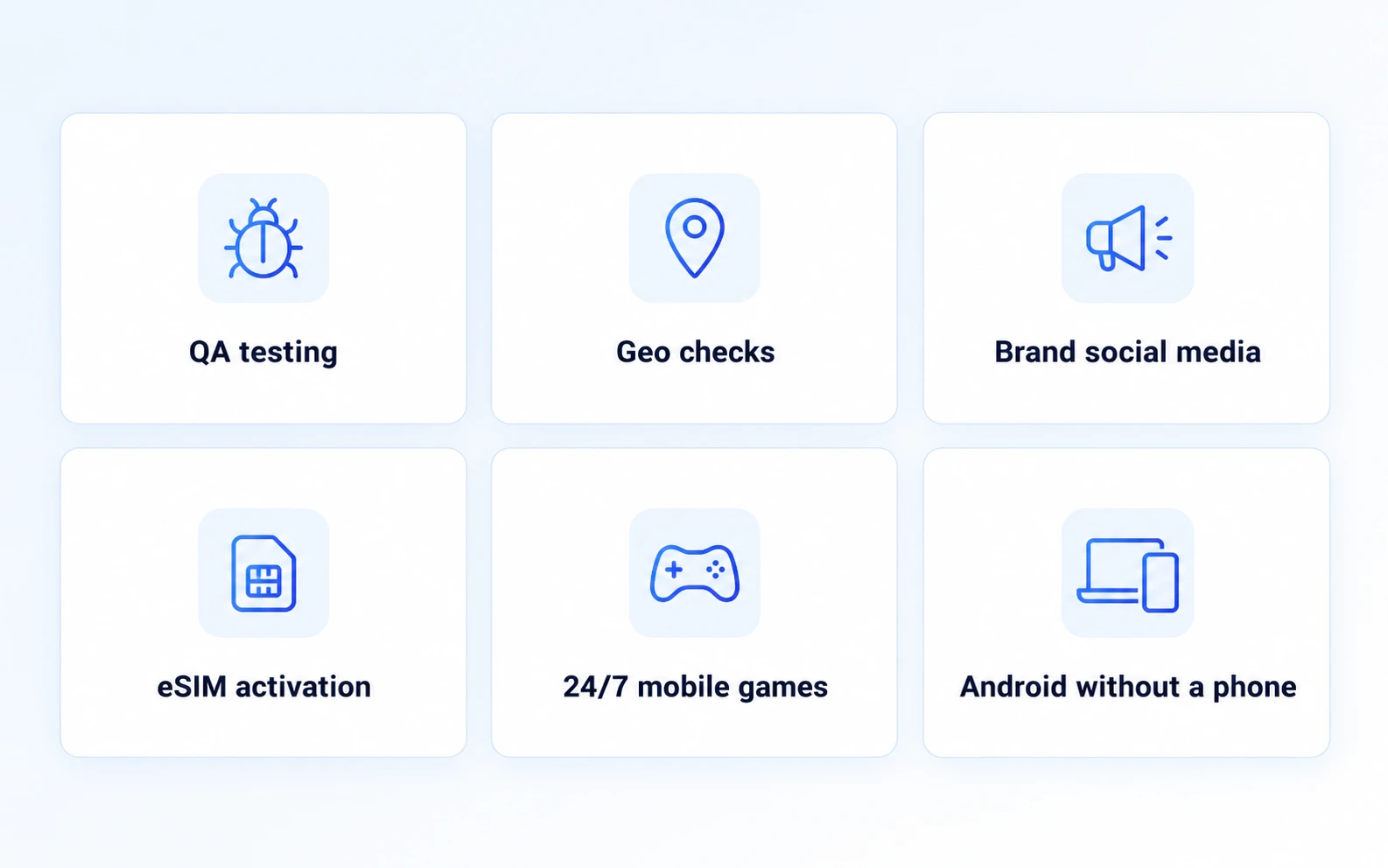
- Testing apps on real models and Android versions without maintaining your own shelf of phones.
- Checking location-dependent services: how an app, ad or store looks to a user in another country.
- Regional marketing: managing a brand’s local social media accounts and viewing content from a local audience’s perspective.
- Activating an eSIM on a device in the required country. How to activate an eSIM remotely
- Mobile games that need to run around the clock without keeping your home computer on.
- Accessing Android when you have an iPhone or a low-powered computer.
What a cloud phone cannot do
Limitations vary by service. On DroidDesk, for example:
- Voice and video calls are not available, and audio is not streamed.
- The physical camera is blocked. For websites in the DroidDesk browser, you can connect a virtual camera using an image or video.
- SMS messages are available only on your own eSIM, not on the phone owner’s SIM card.
- There is no root access: devices run stock firmware.
- Banking apps, wallets and betting apps may have limited functionality because they expect the account holder’s personal device.
For the full list, see compatibility and limitations.
How much does a cloud phone cost?
Virtual cloud phones are generally cheaper because one server serves many users. A real device costs more, but gives you an actual smartphone with a local network connection. DroidDesk prices depend on the model and country:
| Plan | Starting price | What is included |
|---|---|---|
| 1 hour | $5 | Browser only |
| 3 hours | $7 | Browser only; Full Access +$10 |
| 1 day | $15 | Apps and Google Play; Full Access +$10 |
| 1 week | $60 | Google Play, APKs, eSIM and settings |
| 1 month | $180 | Same as the 1-week plan |
Full Access does not provide root access or remove the limitations listed above. For current prices, see DroidDesk plans.
Security and privacy
- The phone owner cannot see your session: a privacy screen is enabled on the device.
- After the rental, DroidDesk deletes installed apps, app and browser data, and your files.
- Internet traffic goes directly through the device’s network, without proxies, VPNs or data center servers.
How to rent a cloud phone on DroidDesk
- Open the catalog and choose a phone by model, country and internet connection type: mobile network or Wi-Fi. Device catalog
- Choose a plan, from 1 hour to 1 month.
- Click Connect and use the phone in your browser or through the desktop client.
- When the rental period ends, the data is automatically cleared.
Have a spare Samsung? You can rent it out and earn passive income. How to rent out your phone
Try a real Android phone in the country you need from $5 per hour
Choose a phoneFrequently asked questions
Is a cloud phone a real phone?
It depends on the service. Most cloud phones are virtual: Android running on a server. On DroidDesk, you always rent a physical smartphone in the listed country.
How is a cloud phone different from an emulator?
An emulator runs on your computer; a cloud phone runs remotely. A virtual cloud phone is essentially an emulator in a data center, while a real cloud phone is a physical device.
Do I need to install anything?
No. You can control the phone directly in your browser. The RustDesk-based desktop client is optional.
Can I receive calls and SMS?
Calls are not available on DroidDesk. SMS is available only on your own eSIM with the 1-week or 1-month plan, or the Full Access add-on.
Can I install my own apps?
Yes. The 1-day plan includes Google Play, while the 1-week and 1-month plans also allow manual APK installation.
How much does a cloud phone cost?
On DroidDesk, prices start at $5 per hour, $15 per day, $60 per week and $180 per month. The exact price depends on the model and country.