1. Screen stuck or waiting for image
Sometimes the desktop client connects but the image from the device does not appear. You may see a loading screen or frozen state.
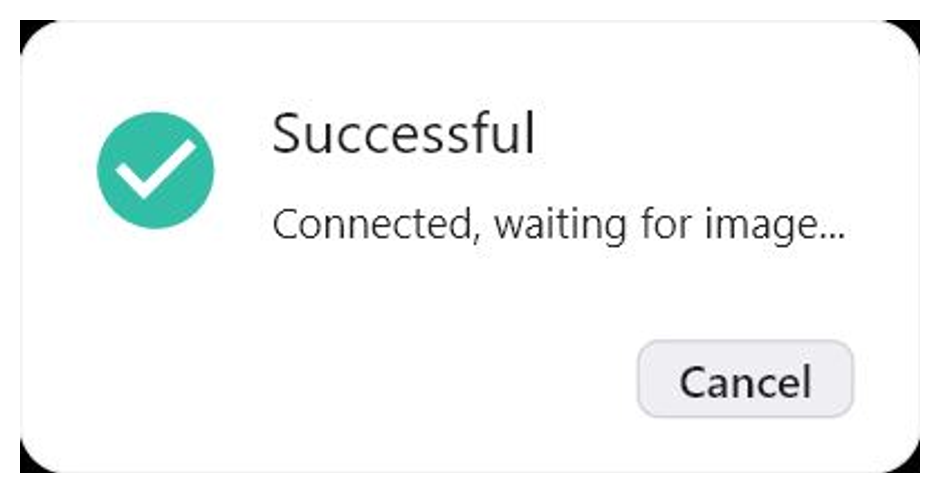
Wait 1–2 minutes. If the image still does not appear, click Reboot Device. After rebooting, wait until the device comes back online and connect again.
Refreshing the password usually does not fix this — the connection is established but the image is not loading.
2. Black screen inside a specific app
Some apps block screen streaming for security reasons (FLAG_SECURE). In this case, switch RustDesk to XML mode.
In XML mode, the image is not displayed, but you can still use text, links, buttons, input fields, and clickable elements. You can tap elements, enter text, and continue using the app remotely.
If elements are too small in XML mode, increase text size and display size in Android settings.
To return to normal screen streaming, switch back to Media Projection.
When to contact support
Contact support if: the screen does not load after reboot, the device does not come back online, or XML mode does not show usable elements.
Please send: Device ID, RustDesk ID, screenshot or video, and the app name where the issue happens.