
1. Screen freeze or e dey wait for picture
Sometimes the desktop client dey connect but the device picture no dey show. You fit see loading screen or frozen state.
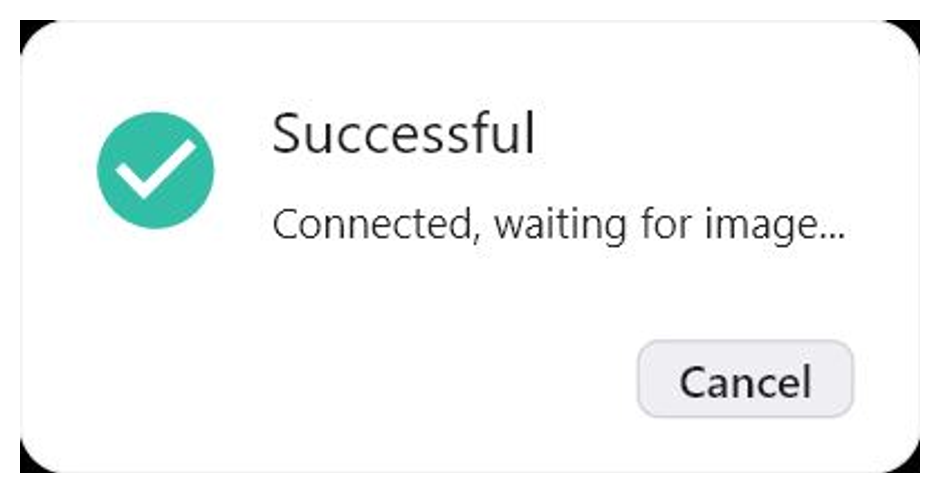
Wait 1 or 2 minutes. If the picture still no dey show, click Reboot Device. After restart, wait make the device come back online and connect again.
To refresh the password no dey usually fix this one — the connection don set, but the picture no dey load.
2. Black screen inside one particular app
Some apps dey block screen streaming because of security (FLAG_SECURE). For that case, switch RustDesk go the XML mode.
For the XML mode the picture no dey show, but you fit still use text, links, buttons, input fields and things wey you fit click. You fit tap things, enter text and still use the app remotely.
If the things dey too small for the XML mode, increase the text size and the screen size for the Android settings.
To go back to normal screen streaming, return to Media Projection.
When to contact support
Contact support if: the screen no dey load after the restart, the device no dey come back online or the XML mode no dey show things wey you fit use.
Send: Device ID, RustDesk ID, screenshot or video and the name of the app where the problem dey happen.