
01
Marketplace app checks
Open supported seller or buyer apps on a real Android phone and verify mobile-only UI, navigation, search, catalog and account workflows.
Use physical Android phones for marketplace apps, mobile storefront checks, localized pricing, customer journeys and other mobile commerce workflows. Access real devices remotely without buying and maintaining a separate phone for every market or project.
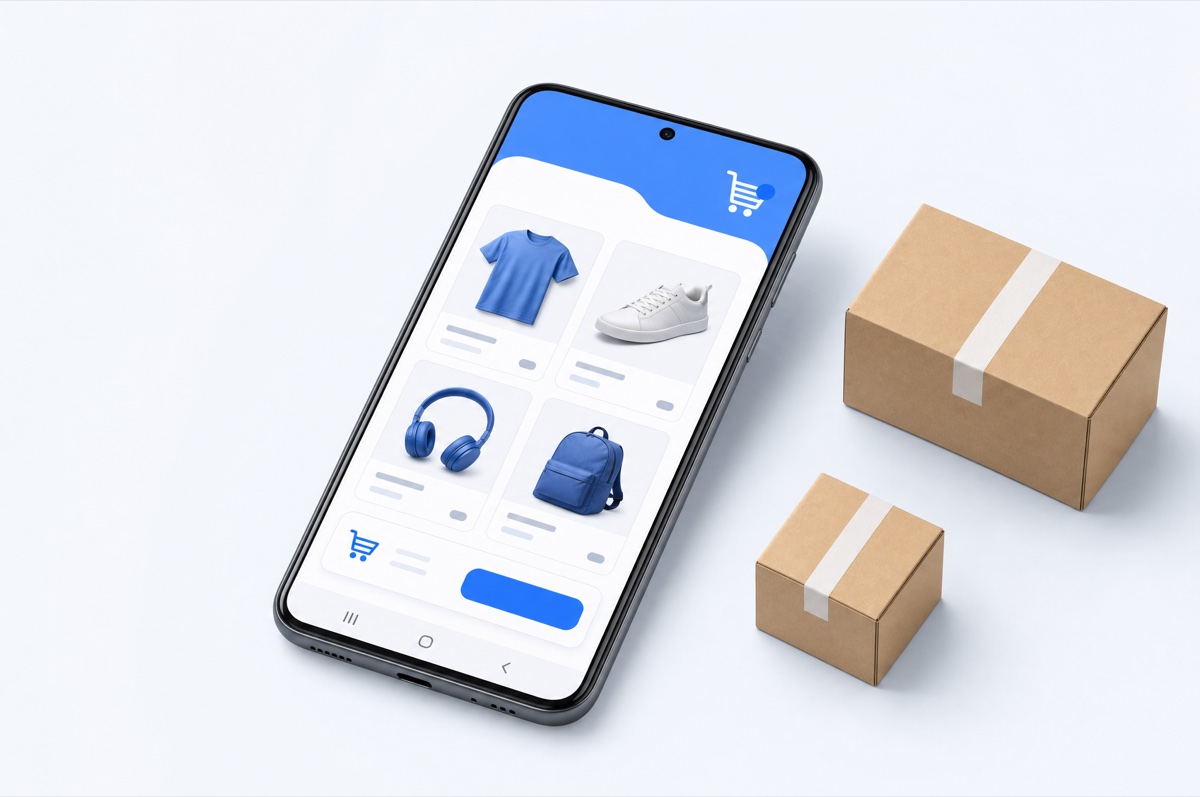
Marketplace apps, mobile-only promotions, app deep links, location-sensitive inventory, local pricing and checkout behavior can differ from what you see in a desktop browser. A physical Android device lets you inspect the actual mobile journey rather than only a desktop approximation.
With DroidDesk, teams can rent real Android devices in available locations and use them for legitimate e-commerce operations, QA and market checks.
The strongest use cases are mobile-first tasks where a real app, physical handset or another market's mobile environment adds useful context.
Open supported seller or buyer apps on a real Android phone and verify mobile-only UI, navigation, search, catalog and account workflows.
Inspect how products, prices, language, currency, availability and promotions appear to mobile users in another available market.
Review cart, forms, redirects, shipping selections and payment-page handoffs on physical Android hardware.
Check whether product links, ads and messages open the correct destination inside a native app or Android browser.
Review product images, titles, descriptions, merchandising and mobile presentation from the same type of environment customers use.
Keep different clients, projects or regions on separate physical phones rather than mixing every operation on one personal device.
Desktop browsers, responsive previews and proxies are faster for many ordinary checks. DroidDesk becomes useful when the native app, actual Android device or real hosted location is part of what you need to test.
| Capability | Desktop browser | Proxy + browser | Virtual cloud phone | DroidDesk |
|---|---|---|---|---|
| Responsive storefront check | Yes | Yes | Yes | Yes |
| Native marketplace app | No | No | Usually | Yes, plan-dependent |
| Physical Android hardware | No | No | Usually no | Yes |
| Real hosted location | No | IP only | Software-defined | Depends on device inventory |
| Real mobile network context | No | Proxy context | Provider-dependent | Depends on selected device |
| Quick catalog check | Best fit | Best fit if GEO matters | More setup | Use when real device matters |
| Best fit | Routine web QA | Fast geo web checks | Virtual mobile operations | Native mobile commerce on real remote hardware |
Select an available device by country, model, Android version and connection type.
Pick a plan that supports the marketplace app, browser or installation path you need.
Review search, product pages, cart, checkout or seller workflows on the real phone.
Record differences and repeat on another market or device only where the business question requires it.
A quick mobile website check may need only a short session. Marketplace apps, repeated QA or app installation usually require more access.
DroidDesk's device network is built around real phones hosted by real owners. If you have an Android phone that can stay online, you can rent out your phone and make it available for legitimate remote workflows when you are not using it.
A real Android phone helps you inspect native marketplace apps, physical-device behavior, location-sensitive storefronts, mobile checkout flows and other experiences that may not be reproduced fully in a desktop browser.
You can choose from available physical Android devices hosted in supported locations. Exact countries, cities, models and connection types depend on current marketplace inventory.
Yes, where the storefront or marketplace exposes different information based on region and the selected device is located in the relevant market. The result can still depend on account state, cookies, seller settings and the platform's own personalization.
App installation is plan-dependent. Longer plans provide broader current access to Google Play and Android settings. Confirm the required app and device capabilities before renting.
No. Browser tools are usually better for fast responsive checks and routine web QA. DroidDesk adds value when the native Android app, physical-device environment or real hosted location matters.
You can use supported marketplace or commerce apps for legitimate workflows, subject to the platform's own account, seller, payment, regional and compliance rules.
No. DroidDesk provides remote access to physical Android devices. Marketplaces, payment services and seller platforms still apply their own verification, fraud-prevention, regional and account rules.
Short sessions can be enough for browser-based storefront checks. If you need a native marketplace app, Google Play, Android settings or repeated access to the same project environment, a longer plan is usually the better fit.
Choose the market and device you need, open the storefront or marketplace app, and inspect the customer journey in a real mobile environment.