
01
Complete initial eSIM setup
Install your own profile on a compatible phone in the country required for activation, then follow the provider’s setup instructions remotely.
Need a phone in a specific country to activate your eSIM? Rent a compatible Android device in an available DroidDesk location, install your own eSIM, and complete setup remotely from wherever you are.
Your eSIM runs on the rented phone. You control that phone over the internet.
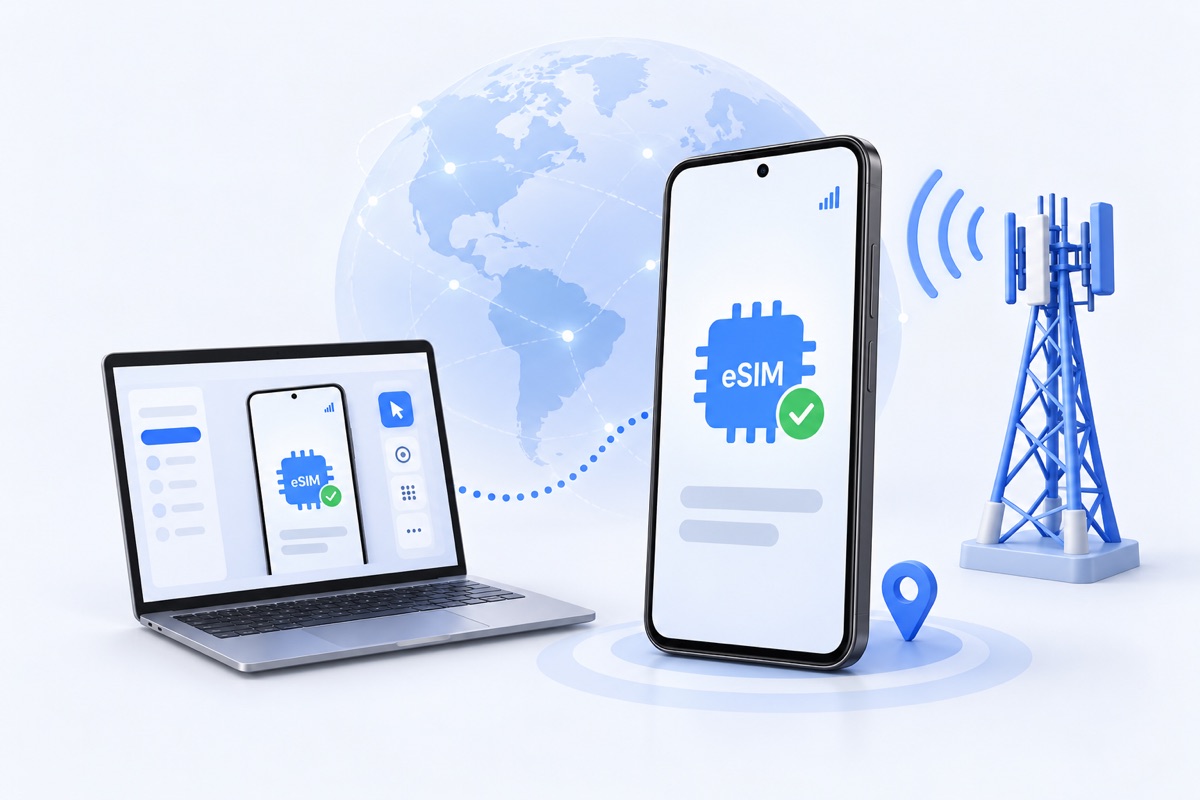
Buying an eSIM online and downloading its profile are only part of setup. Some providers also require the phone to connect to a local cellular network before the line becomes usable.
If you are abroad, DroidDesk gives you access to a physical phone in an available destination. On a compatible device within the carrier’s coverage area, you can install your profile and work through the required network registration steps.
This workflow applies to the United States and other supported countries. Choose the location based on your provider’s requirements and the devices currently available.
Install your own profile on a compatible phone in the country required for activation, then follow the provider’s setup instructions remotely.
Access the calling, messaging, and data features included in your carrier plan through the rented device during your rental.
Inspect the phone’s network status and test the services you need. An installed profile and a working cellular connection are separate things to verify.
Find a device in the required location with the Bring Your Own eSIM label. Check the exact model and IMEI with your provider before purchasing a carrier plan or starting the rental.
Choose a rental that supports eSIM installation. Allow enough time for the carrier’s setup process and any follow-up checks.
Save a working Wi-Fi connection with automatic reconnection enabled before changing SIM settings. Install the eSIM using your provider’s supported method. Follow the DroidDesk eSIM activation guide for device setup.
Follow the carrier’s instructions, wait for network registration, and test the services included in your plan. Keep the phone’s Wi-Fi connection available for remote access.
| Rental | eSIM installation |
|---|---|
| 1 Hour | Unavailable |
| 3 Hours | Requires the Full Access add-on |
| 1 Day | Requires the Full Access add-on |
| 1 Week | Included on eligible devices |
| 1 Month | Included on eligible devices |
The 1 Month plan includes the same features as 1 Week, with a longer rental period.
Device compatibility is required for every option. Check the selected listing and current plan details before renting. For help choosing a plan, contact DroidDesk.
For example, Tello’s activation guidance requires initial setup in the United States with a connection to a US cell tower.
A compatible DroidDesk phone hosted in the US can provide local cellular access while you operate it remotely. Confirm that your carrier permits your intended setup, including any requirements that apply to the account holder. Other countries and providers have their own activation rules.
You can remotely install and set up an eSIM on a compatible DroidDesk phone in an available country. Whether activation succeeds depends on the carrier, device, coverage, and account requirements.
No. You can use eligible DroidDesk devices in other available countries too. Match the phone’s location and compatibility to your provider’s requirements.
The profile is installed on the rented DroidDesk device. Moving the line to another phone is a separate carrier process. Check transfer and roaming conditions first if you intend to use the line on your personal phone abroad.
A VPN changes the route taken by internet traffic. It does not connect a phone abroad to a cellular tower in the required country. When initial activation requires a local cellular connection, changing the IP address alone does not provide it.
This workflow uses an eSIM you obtain from your provider. DroidDesk supplies remote access to the phone; the carrier determines the plan’s services and activation requirements.
Contact DroidDesk with the destination country, eSIM provider, and intended rental duration. For an installation issue, include the device ID and an error screenshot.
Choose an available location, confirm eSIM compatibility, and manage setup on a real Android phone remotely.