
01
AFK & idle sessions
Keep an idle or progression-based game on a dedicated phone for longer periods without occupying your everyday device.
Use a physical Android device for idle games, AFK sessions, long-running mobile tasks and game workflows you do not want to keep on your personal phone. Access the device remotely from your desktop while the game runs on real hardware.
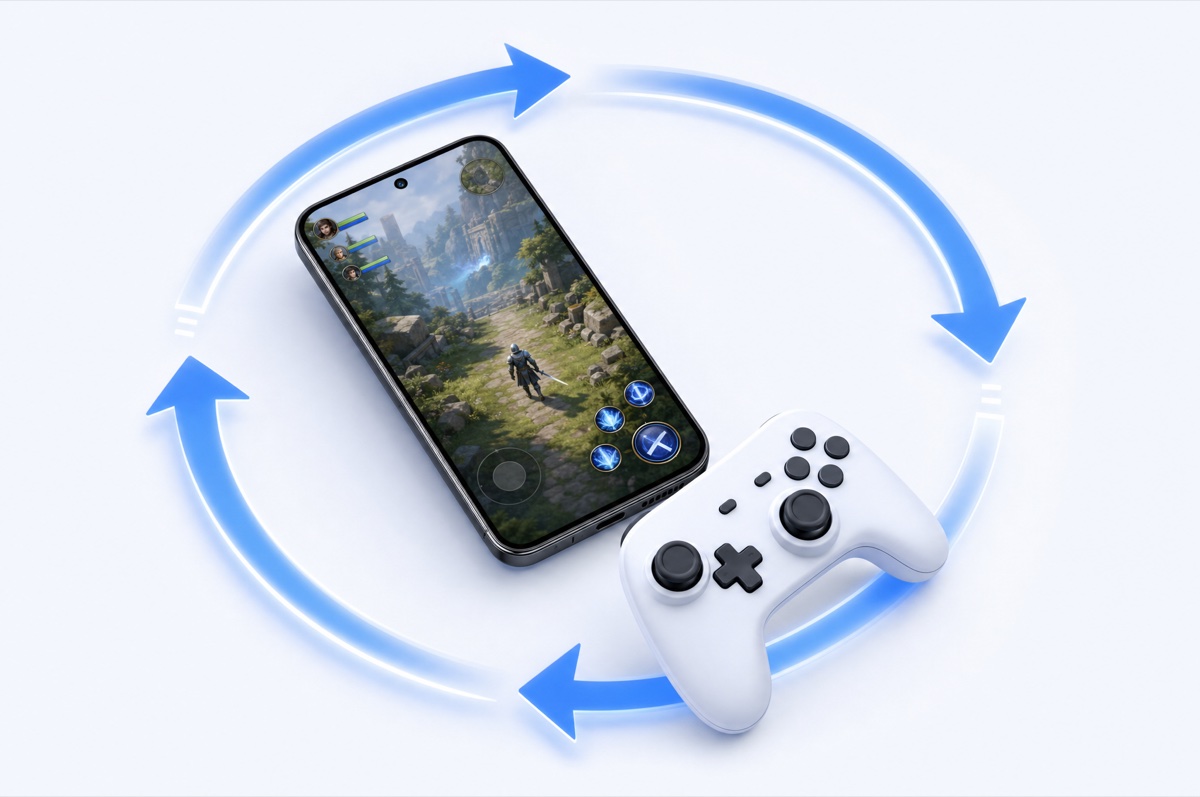
Some mobile games and game-related workflows benefit from staying open for long periods. Others are simply more convenient to run on a separate device while you continue using your personal phone normally.
DroidDesk lets you rent real Android devices and access them remotely, so the game runs on physical mobile hardware rather than inside a desktop emulator.
The best fit is not latency-sensitive competitive streaming. It is mobile gameplay and long-running tasks where having a separate real device is the useful part.
Keep an idle or progression-based game on a dedicated phone for longer periods without occupying your everyday device.
Use a remote device for repeated in-game routines, background progression or mobile tasks that need continuity over time.
Keep a game project on its own physical Android environment instead of mixing it with personal apps, notifications and storage.
Open and control the Android device from your computer when you do not want to keep switching between PC and phone.
See how a game behaves on actual Android hardware, useful for developers, creators, support teams and mobile game QA.
Rent additional available phones when a project legitimately needs separate physical Android environments rather than multiple emulator windows.
DroidDesk is useful when you specifically want a real Android handset. For many other gaming needs, a local emulator or dedicated cloud gaming service may be a better fit.
| Capability | Local Android emulator | Cloud gaming service | Virtual cloud phone | DroidDesk |
|---|---|---|---|---|
| Physical Android hardware | No | Not the focus | Usually no | Yes |
| Low-latency action gaming | Good locally | Core use case | Varies | Not the core product |
| AFK / idle mobile sessions | Possible | Not the focus | Yes | Yes |
| Separate real phone environment | No | No | Virtual | Yes |
| Remote access from PC | Local desktop | Yes | Yes | Yes |
| Long rental economics | Low ongoing cost | Usually optimized for gaming | Often cheaper | Use only when real hardware matters |
| Best fit | General Android gaming on PC | Performance game streaming | Low-cost virtual mobile sessions | Remote gaming workflows that specifically need a real phone |
Select an available device by Android version, model, location, connection type and supported access.
Use a longer plan if the game needs to stay on the same device for an extended idle or AFK workflow.
Connect to the device and use the supported installation path available with the selected plan.
Access the same rented device remotely to check progress or continue the mobile session.
A short plan can work for a quick game or device check. AFK and idle workflows need more continuity, so compare the total rental cost with emulator and cloud-phone alternatives before choosing DroidDesk.
DroidDesk is built around physical phones hosted by real owners. If you have an Android phone that can stay online, you can rent out your phone and make it available for legitimate remote use when it is not needed locally.
Yes, when the game can be installed or opened on the selected Android device and plan. DroidDesk gives you remote control of a physical phone; it is not a dedicated low-latency game-streaming service.
Yes, long-running or idle mobile workflows can be a good fit when you want the game to stay on a separate physical Android device. Choose a rental duration that matches how long you need the device.
No. GeForce NOW and similar services are built specifically for high-performance game streaming. DroidDesk provides remote access to a real Android phone and is better suited to mobile games and workflows where the physical device itself matters.
Not always. Emulators are often cheaper and more convenient for ordinary Android gaming on PC. A real device makes more sense when the game, testing task or project specifically benefits from physical Android hardware.
App installation depends on the rental plan and selected device. Longer plans provide broader current access to Google Play and Android settings. Confirm the exact requirements before renting.
You can choose a longer rental when the game or project needs continuity. Whether a game remains active also depends on the app itself, Android behavior, network conditions and game-server rules.
You can rent separate available phones for legitimate workflows, but each game's account, multi-account, automation and fair-play policies still apply. DroidDesk does not override game rules.
Short plans are suitable for quick device checks. Longer rentals are more practical for idle or repeated access, but compare the total cost with an emulator or dedicated cloud gaming service before choosing DroidDesk.
Choose an available Android device, confirm the game and access requirements, and use real hardware only where it adds value.