
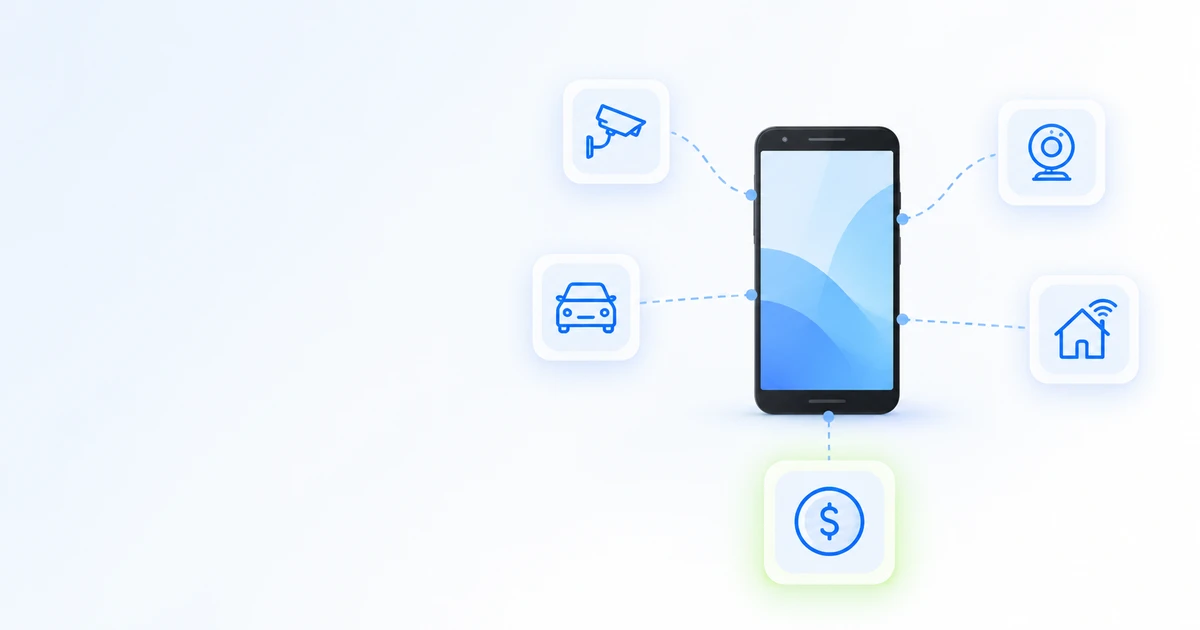
After buying a new smartphone, the old one usually ends up in a drawer. But even a phone that is 3–5 years old can become a security camera, webcam or home remote—or earn you money.
Below are 10 ideas, from options that take five minutes to set up to those that generate monthly income.
All the ideas at a glance
| Idea | What you need | What you get | Difficulty |
|---|---|---|---|
| Rent it out on DroidDesk | Samsung, Android 13+, 6 GB RAM, charger, internet | $100–200 per month | Easy, about 15 minutes to set up |
| Security camera or baby monitor | App, stand, charger | Live video and motion alerts | Easy |
| Webcam | Windows 11 and Android 10+ | Better picture quality in video calls | Easy |
| Dash cam | Mount and car charger | Trip recordings | Easy |
| Smart home remote | Google Home or SmartThings | A control panel for the family | Easy |
| Media player | Music, headphones or a speaker | Dedicated player | Very easy |
| E-reader, recipes, alarm clock | Nothing | A dedicated device for small tasks | Very easy |
| Phone for a child | Google Family Link | A first device with parental controls | Easy |
| Test device or server | Technical skills | Tests, scripts, file server | Advanced |
| Sell or recycle it | Factory reset | One-time income or safe disposal | Easy |
Prepare the phone first
- Check the battery. If it is swollen, do not charge the phone; take it for recycling.
- Install the latest available updates.
- If someone else will use the phone, transfer your data, sign out of your Google Account and reset it to factory settings.
- Do not use a phone that no longer receives security updates for banking or storing passwords.
1. Rent out your phone and earn money
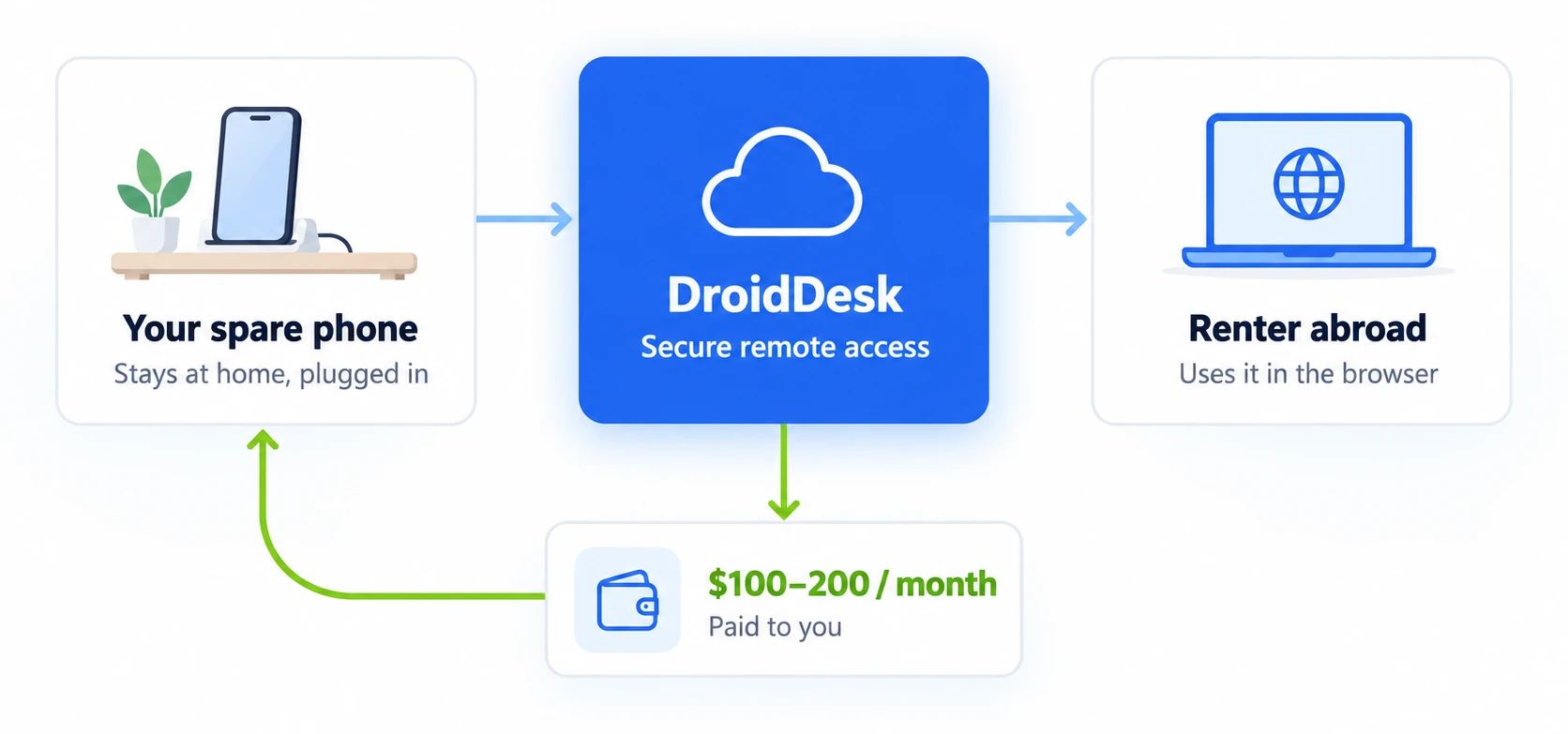
On DroidDesk, owners rent out their phones: the phone stays at home on its charger while customers control it remotely through a browser. Typical earnings are $100–200 per device per month, depending on the country, model, connection type and time online. Phones using mobile data through a SIM have a guaranteed minimum of $30 per month.
| Requirement | What you need |
|---|---|
| Brand | Samsung |
| Android | 13 or later |
| RAM | At least 6 GB |
| Firmware | Stock, without root |
| Network | Wi-Fi or mobile data, with a separate IP address for each device |
| Power | Phone stays connected to a charger |
You do not ship the phone anywhere. The camera is blocked, calls are unavailable, and renters cannot read SMS messages on your SIM. You can disconnect at any time. Payouts are made every Friday through PayPal (from $100) or cryptocurrency (from $50). Rent out your phone
If you have several phones, you can build a small farm with them. How to build a phone farm
2. Security camera or baby monitor
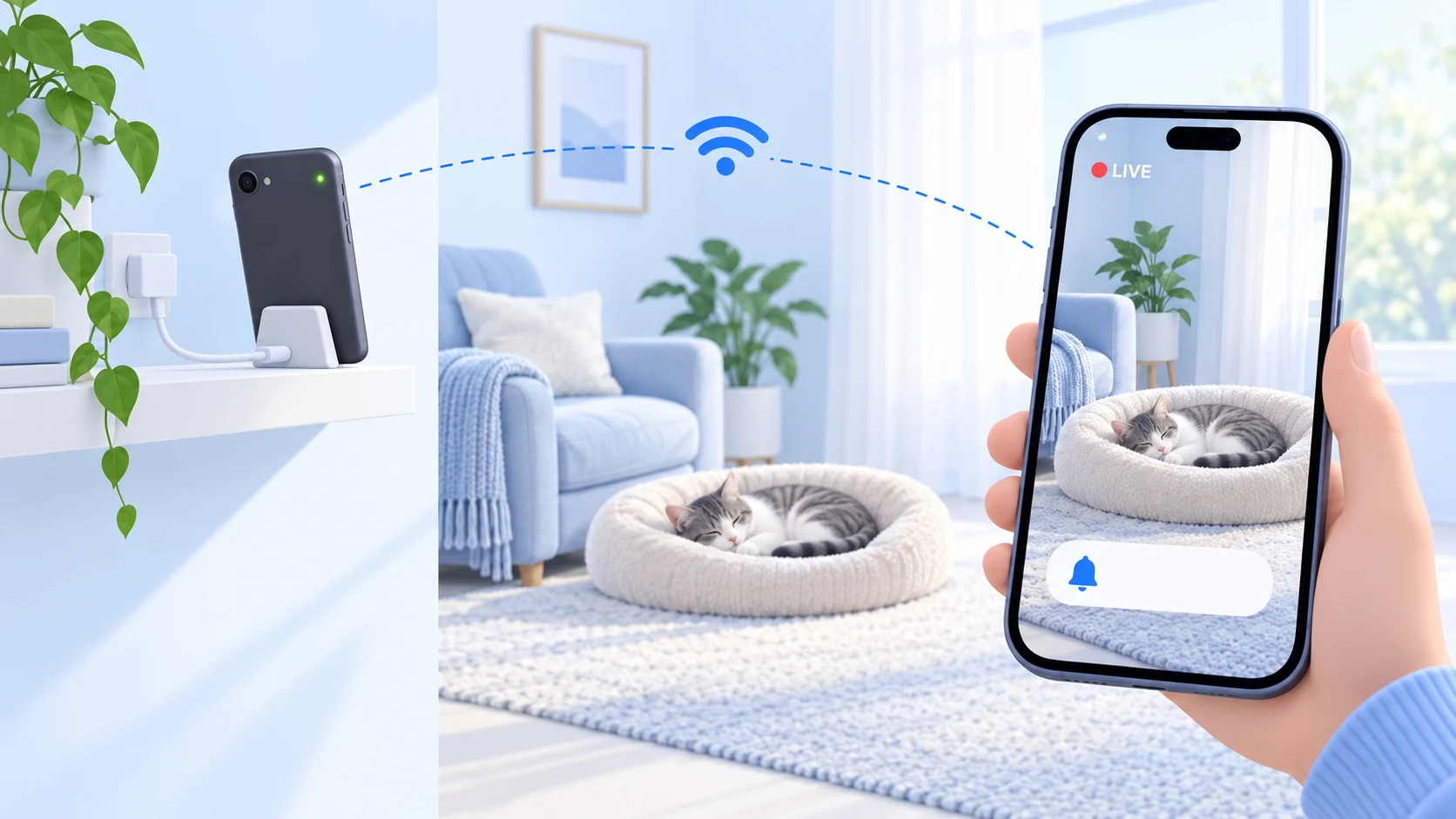
Install AlfredCamera on both your old and new phones and sign in with the same Google Account. The old phone becomes the camera, while the new one shows live video and sends motion alerts. The free version includes ads; Premium adds HD video and longer recording storage. Keep the phone charging and secure it on a stand.
3. Webcam for your computer
Even an old smartphone often has a better camera than a laptop’s built-in one. In Windows 11, open Settings → Bluetooth & devices → Mobile devices, connect a phone running Android 10+ and enable Use as a connected camera. The phone will then appear in the camera list in Zoom, Teams or Meet. Some Android 14 phones also work as USB webcams without additional apps.
4. Dash cam
Secure the phone in a mount near the windshield, connect it to a car charger and install a dash cam app from Google Play. Make sure it does not block your view, and avoid leaving it in direct sunlight in hot weather.
5. Smart home remote and control panel
Install Google Home or SmartThings and mount the phone on the wall near the entrance. It becomes a permanent control panel for lights, a heater and smart plugs that the whole family can use.
6. Media player or Chromecast remote
Download music and podcasts and leave the phone in your car, kitchen or next to a speaker. It also makes a convenient dedicated remote for Chromecast or a smart TV.
7. E-reader, recipes or alarm clock
An old phone works well for e-books, kitchen recipes or as a bedside clock with an alarm, letting you leave your main smartphone in another room.
8. A child’s first phone
Set up Google Family Link for screen time limits, app installation approvals and location tracking. If calls are not needed, the phone can run on Wi-Fi alone.
9. Test device or home server
Developers can use an old Android to test on a different operating system version. Technically minded users can install Termux to run scripts or a small file server. scrcpy makes it convenient to control the phone from a computer. How to control Android from a computer
10. Sell or recycle it
If you have no use for the phone, sell it or use a trade-in program. First reset it and remove the SIM and memory card. Recycle a faulty phone: batteries must not go in regular household waste.
Have a spare Samsung? Rent it out on DroidDesk and earn $100–200 per device per month
Become a hostFrequently asked questions
Can I use an old Android phone without a SIM card?
Yes. Apps, the camera, music, messaging and smart home features work over Wi-Fi. Only calls and SMS through the mobile network are unavailable.
How can I turn an old phone into a security camera for free?
Install AlfredCamera on both phones, sign in with the same Google Account and assign the old phone as the camera. Basic features are free.
Is it safe to keep a phone charging 24/7?
Yes, if the battery is in good condition and the phone does not overheat. Enable a charging limit in settings (Battery protection on Samsung) to extend battery life.
Can I earn money with an old phone?
Yes: sell it for a one-time payment or rent it out for monthly income. DroidDesk currently accepts Samsung phones with Android 13+ and 6 GB of RAM.
What should I do with an old phone that will not turn on?
Try charging it with a different cable for 30 minutes. If that does not help, have it repaired or take it for recycling.